

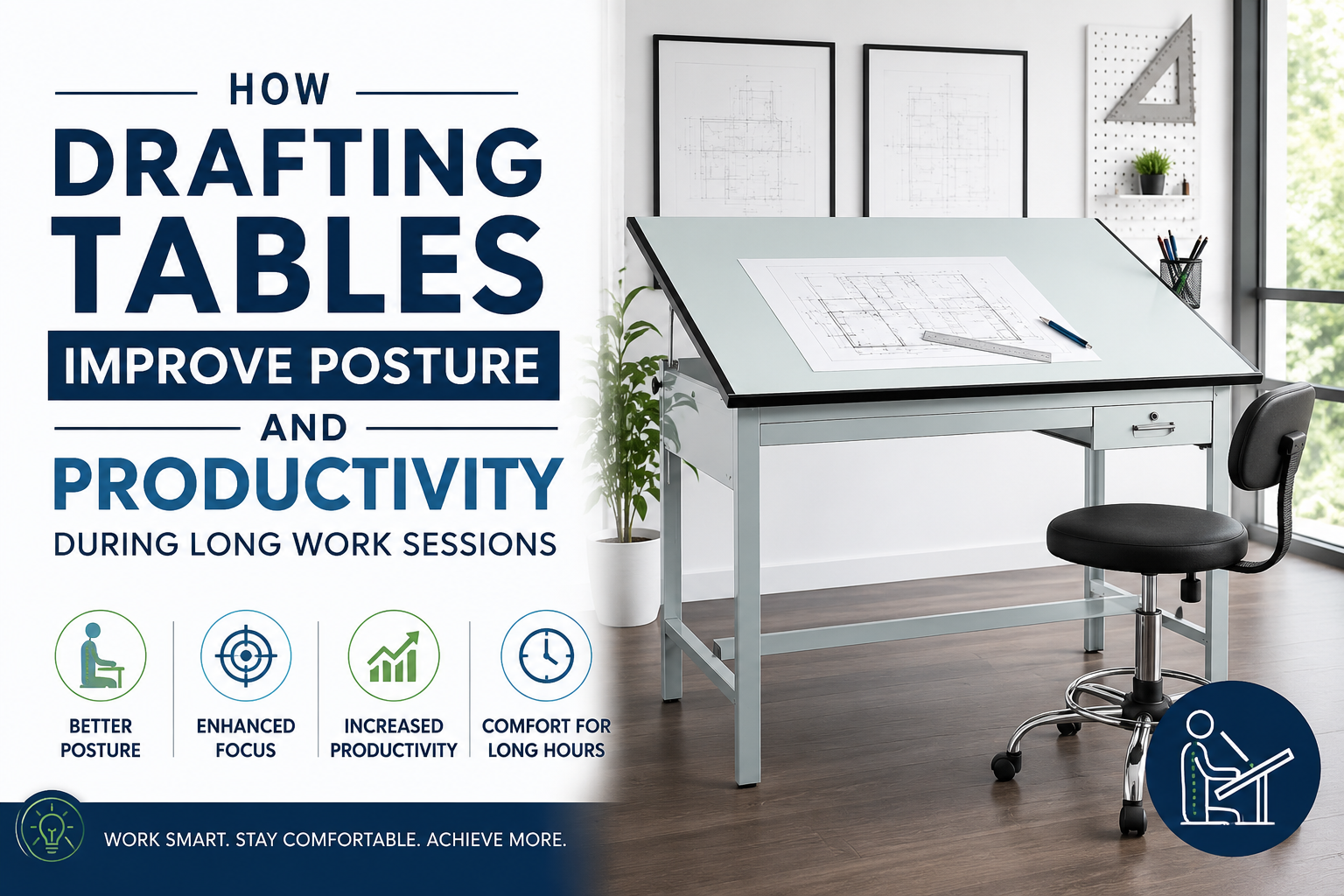
Sketching, drafting and designing can be tiring causing problems such as neck stiffness, back pain, eye strain and fatigue. These are some common complaints among architects, engineers, artists and students. But if you set your workspace right such as work on drafting tables, you can significantly improve your posture.
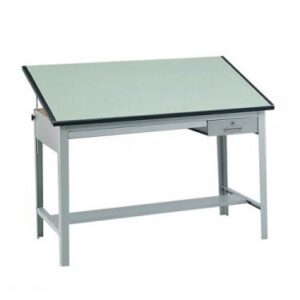
Quality drafting tables isn’t just a piece of furniture — it’s an ergonomic tool designed to promote better posture, reduce physical strain, and help you stay productive during long work sessions. Whether you’re drawing blueprints, illustrating, or working on technical designs, an adjustable drafting table can support both your health and your creativity.
Why Traditional Desks Cause Discomfort
Drafting tables are built differently than standard desks. These specialized tables are meant for detailed drawing and design work. When you are working on flat surfaces, you have to lean forward to see details better. This leaning is not a good posture. It puts excessive stress on neck muscles, upper back, lower back, shoulders, forearms and eyes.
Spending hours hunched over a desk often leads to poor posture habits that can cause chronic discomfort and reduced productivity. That’s where drafting tables shine.
The Ergonomic Advantage of Drafting Tables
Unlike conventional desks, drafting tables have adjustable work surfaces which can be raised to create better working angles. This allows the drafters and engineers to work without straining their back and eyes.
- Better Neck Alignment: A tilted drafting surface creates a natural neck position. Instead of looking downward you stay aligned thereby reducing tension and stiffness. This suggests you have fewer headaches, have less muscle fatigue and improved comfort throughout the day.
- Reduced Back Pain: Slouching puts extra pressure on the spine and lower back. These adjustable drafting tables let users to sit upright while maintaining a natural posture. It has many benefits which includes improved spinal alignment, less stress on lower back, get better circulation while also increasing your comfort. If you spend much of your time working at a desk, then you need drafting tables which can ease your strain.
Increased Productivity Through Better Comfort
Better comfort also lets you increase your productivity. A comfortable workspace allows you to focus entirely on your tasks, eliminating the need for constantly shifting positions, stretching sore muscles or taking breaks because of fatigue.
Because of reduced physical strain on drafting tables, your work is more accurate, you complete your projects faster, your creativity improves and your mental fatigue is reduced.
Adjustable Angles Improve Precision
These drafting tables allow users to adjust the work surface from flat to steep angles. This flexibility lets you use the table for multiple functions. For writing, and computer work you can adjust to a flat position. For sketching, illustration and graphic design you create a moderate angle. For architectural drawings, technical drafting and detailed artwork you need steeper angles.
Working at the proper angle reduces awkward hand positions and helps maintain accuracy throughout long sessions.
Less Eye Strain During Detailed Work
Neck and back pain starts with eye fatigue. An elevated drafting surface lets you work at your own eye level. When combined with the right lighting, this workspace setup can reduce eye strain, minimize squinting, improve visibility as well as reduce fatigue. Artists and designers need better visibility to improve their performance.
Health Benefits Beyond Posture
The benefits of drafting tables extend beyond simply sitting straighter.
- Improved Circulation: Poor posture causes bad circulation. Ergonomic positioning promotes better circulation that also reduces stiffness.
- Reduced Shoulder Fatigue: Working at the right angle also prevents shoulder elevation and stress. Inclined surfaces ensure you work comfortably without straining your shoulders.
- Lower Risk of Repetitive Strain Injuries: Repetitive strain can be dangerous; you need better body alignment to minimize stress on wrists, hands, forearms, and elbows.
Maintaining healthy working habits today can prevent more serious problems in the future.
Drafting Tables Encourage Movement
A single drafting table can be used for multiple purposes. You can adjust its height and angle to work on various tasks. Keep it flat for writing and computer work; for sketching and illustration you can work at moderate angles and for engineering drawing and drafting you need steeper angles. This eliminates the need for working long hours in a single position. You can sit upright when needed and work at different angles while stretching periodically. Small adjustments can have a major impact on long-term comfort and energy levels.
Ideal for More Than Architects
Drafting tables benefit a number of creative professionals. Here are to name a few:
- Artists: Illustrators, sketchers, and visual content creators who need better visibility while working comfortably.
- Designers: Graphic designers and industrial designers need ergonomic positioning for high precision work.
- Students: Students spend the maximum time practicing drafting and working on sketches. They must have a drafting table to perform various academic tasks.
- Hobbyists: They build models, and DIY projects for which they need adjustable drafting tables.
- Remote Workers: Many remote workers switch between their creative projects and work stations for company work; they too need drafting tables.
Features That Enhance Ergonomics
Here are a few features to look for when purchasing your drafting table:
- Adjustable Work Surface: Customize the height and tilt based on your task and posture.
- Height Adjustment: Provides various seating options for hobby and work.
- Spacious Surface Area: Large surface makes room for other tools and accessories without overcrowding.
- Durable Construction: Ensure to buy from a reputable brand so that they last longer without breaking.
- Storage Options: Add-ons such as built-in drawers make work more convenient.
Final Thoughts
Working on a drafting table for a prolonged period of time can be mildly stressful. To compensate for the strain on your body you need healthy habits. Here are a few:
- Keep accessories and tools within reach.
- Use right lighting and lighting position to reduce eye strain
- Take breaks every 30-60 minutes
- Take short stretching between work
- Use an ergonomic chair or drafting stool
These simple changes can improve comfort and reduce fatigue.
Invest in Your Health and Creativity
Drafting tables isn’t just a simple tool for drawing. It is an ergonomic workspace that supports right posture, decreases neck and back strain while also enhancing focus during long work sessions.
Whether you’re an architect, artist, designer, student, or creative enthusiast, investing in a well-designed drafting table can improve both your health and your productivity. After all, great ideas deserve a workspace that works as hard as you do.
FAQs
1. How long should I work before taking a break when using a drafting table?
Even with an ergonomic drafting table, experts recommend taking a short break every 30–60 minutes. Stand up, stretch your neck, shoulders, and back, and rest your eyes to prevent fatigue and maintain focus throughout the day.
2. What angle should a drafting table be set at for comfortable drawing?
The ideal angle depends on the tasks: when sketching you need a tilt of 15-30 degrees. During drafting and technical illustrations you can adjust to 30-45 degrees. Adjust the surface to a position that allows you to maintain a neutral neck posture.
3. Can drafting tables help people with existing back pain?
Yes, it can reduce strain as artists work comfortably in a better posture. Along with drafting tables you also need ergonomic seating and other healthy habits.
4. What type of chair works best with a drafting table?
An ergonomic chair, or drafting stool with lumbar support is best. A chair with features such as height adjustment, footrests and cushioning can improve comfort during long work sessions.
5. Are drafting tables suitable for digital artists and tablet users?
Yes, digital artists and tablet users can also use drafting tables because they provide an adjustable surface which makes it easier to work on drawing tablets, laptops and various pen displays.

Leave A Comment